
 English
Android app
Billing, stock and payments - in your pocket
POSBooks mobile app gives your shop the same billing, inventory and payment tracking as the web, built for Android phones and tablets.
- Create invoices and thermal bills in seconds
- Scan barcodes, manage stock and low-stock alerts
- Track who owes you and who you owe
- Works in 14 Indian and global languages
- Free forever plan for small shops
Scan the QR code with your phone camera to open the Play Store listing.
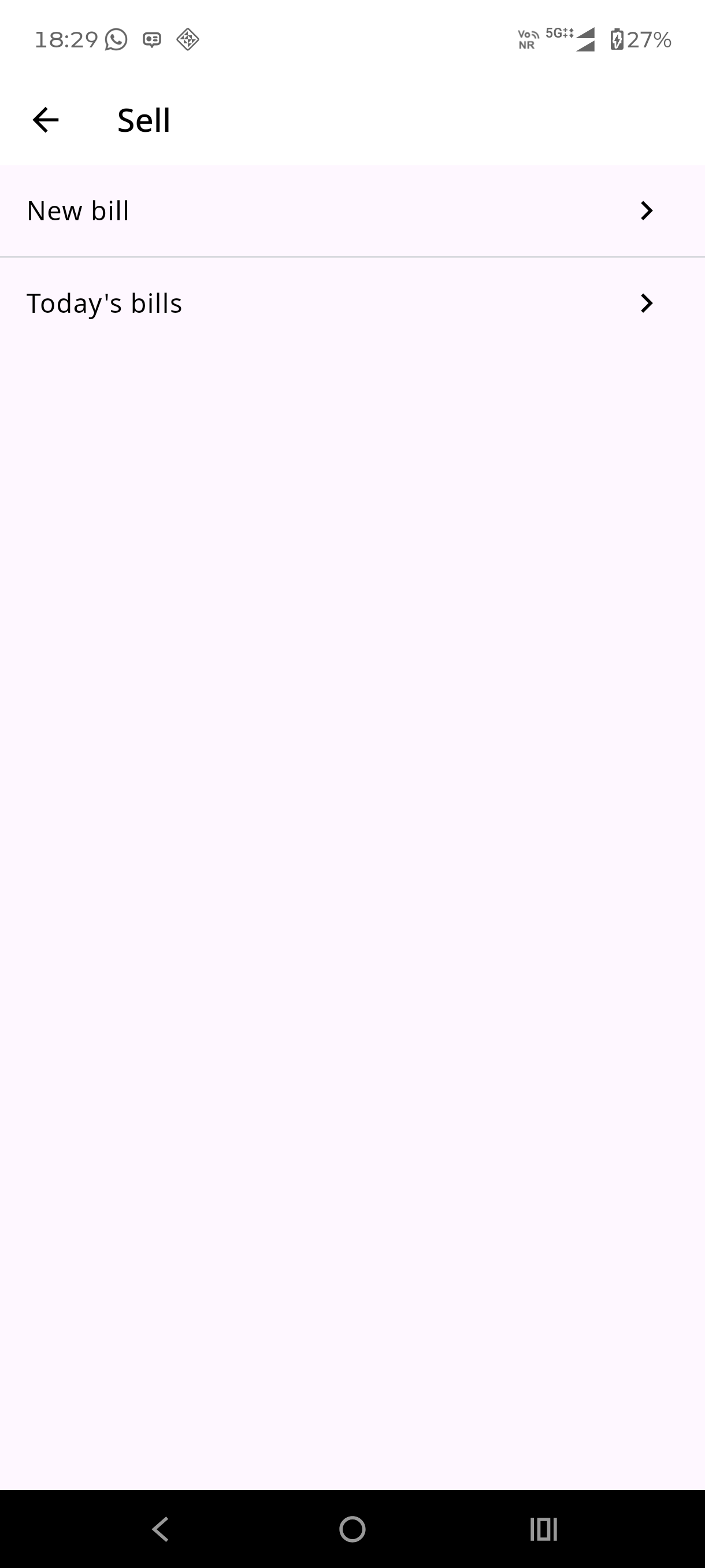
Everything your shop needs, on mobile
The same POSBooks features you use on the web, tuned for small screens and touch.
Invoicing
A4 and thermal invoices, estimates, quotations and returns.
Stock and barcodes
Batch updates, barcode label printing and low-stock warnings.
Payments and dues
Party ledgers, due collection and payment reminders.
Reports
Sales, purchase, profit and loss reports with CSV and Excel export.
14 languages
Interface in Hindi, Bengali, Tamil, Telugu, Marathi, Gujarati and more.
Android first
Built for phones, tablets and Bluetooth thermal printers.
Install from Google Play
- Open the POSBooks listing on Google Play.
- Tap Install and wait for the app to download.
- Sign in with your POSBooks account and start billing.
Install the APK directly
- Tap Direct APK download on this page (if enabled).
- Open the downloaded file and allow install from this source when asked.
- Launch POSBooks and sign in to sync your shop data.